
Schedule recurring tasks
Agents can run work on a schedule — a morning digest, a weekly report, a check every 15 minutes.
The easy way: ask for it
Section titled “The easy way: ask for it”In the chat: “every weekday at 9:00 UTC, summarize what happened in this group overnight”. The agent creates the scheduled task itself. You’ll find it in the Mini App afterwards.
The precise way: create it manually
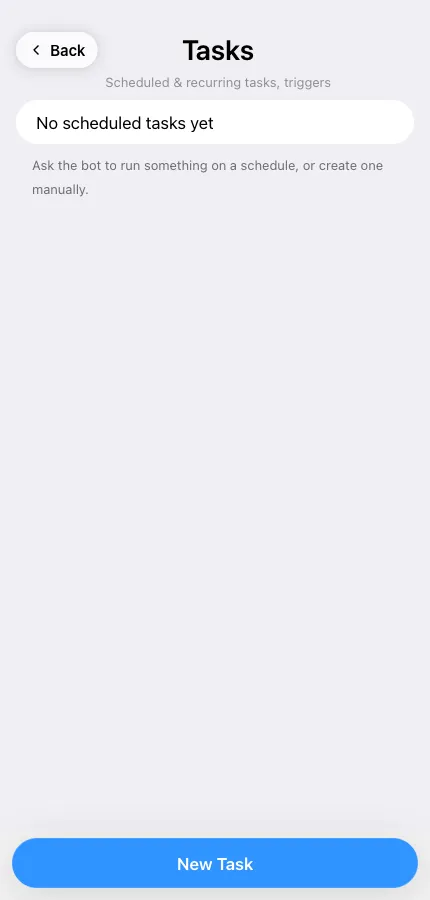
Section titled “The precise way: create it manually”Open the agent → Tasks (under Modules) → New Task:
- Description — a short name so you recognize it in the list.
- Prompt — exactly what should run on every execution.
- Target group — which chat receives the output.
- Frequency — every X minutes, every X hours, daily, weekly, or a raw cron expression.
Managing tasks
Section titled “Managing tasks”The task list shows the next run time for each entry, and marks anything overdue. You can pause a task and resume it later, edit its prompt, or delete it.
Good candidates
Section titled “Good candidates”- Daily standup or news digests into a group
- “Check this page and tell me if it changed” every hour
- Weekly export or report, posted where the team sees it
Scheduled runs consume credits like any other run — a task firing every minute adds up. See How credits work.