
What is TeleClaw?
TeleClaw is an AI agent that lives in Telegram. Two ways to use it:
- The shared bot, @claw — mention it in any Telegram chat, group or channel. No setup, no invite, nothing to configure. It answers with the default persona.
- Your own agent — a real Telegram bot with its own name, avatar, persona, rules, tools and memory, created from the Mini App in about a minute.
What an agent can do
Section titled “What an agent can do”It is not a Q&A box. An agent runs tasks in its own sandboxed container:
| Area | Examples |
|---|---|
| Conversation | Summaries, TLDRs of what you missed, translation, drafting replies |
| Group work | Welcoming and moderating members, answering community questions, scheduled digests |
| Research | Web search and page reading, comparisons, reports |
| Creative | Images, video, voice messages |
| Building | Websites, mini apps and bots — built, deployed and hosted from a chat message |
| Automation | Recurring tasks on a schedule, triggers, inbox automation |
| Integrations | Gmail, Slack, Notion, GitHub, Google Calendar and 1,000+ apps via connectors and MCP |
The pieces you’ll meet
Section titled “The pieces you’ll meet”- Agent — the bot itself: name, persona, rules, avatar.
- Persona and rules — who it is, and the hard rules it must always follow.
- Memory — what it remembers, kept separately per chat.
- Workspace — its files and its container, where tasks actually run.
- Tools — what it’s allowed to use: browser, terminal, image generation and so on.
- Credits — what its work costs. See How credits work.
Where you manage all of it
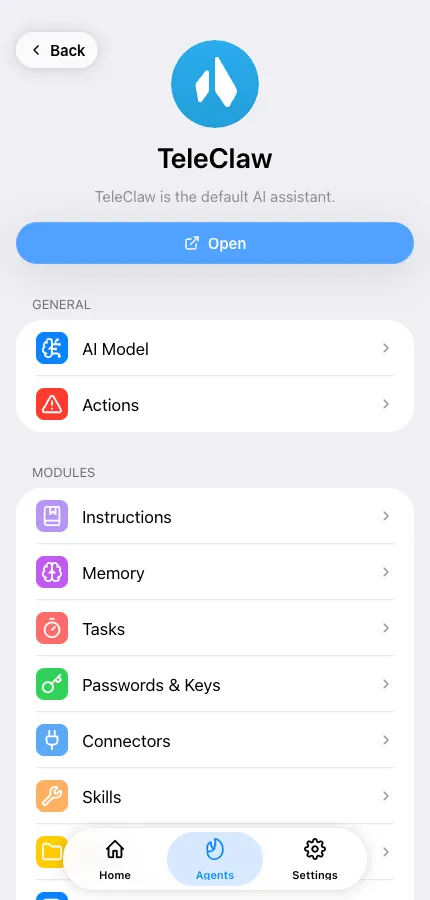
Section titled “Where you manage all of it”The Mini App at app.teleclaw.bot, which also opens from the menu button inside any TeleClaw bot chat in Telegram. Agents, settings, billing and usage all live there.
Next: Create your first agent.