
Create your first agent
You don’t need your own agent to use TeleClaw — tagging @claw in any chat works out of the box.
Create one when you want your own name, persona, memory and tools.
- Open the Mini App, or tap the menu button in any TeleClaw bot chat.
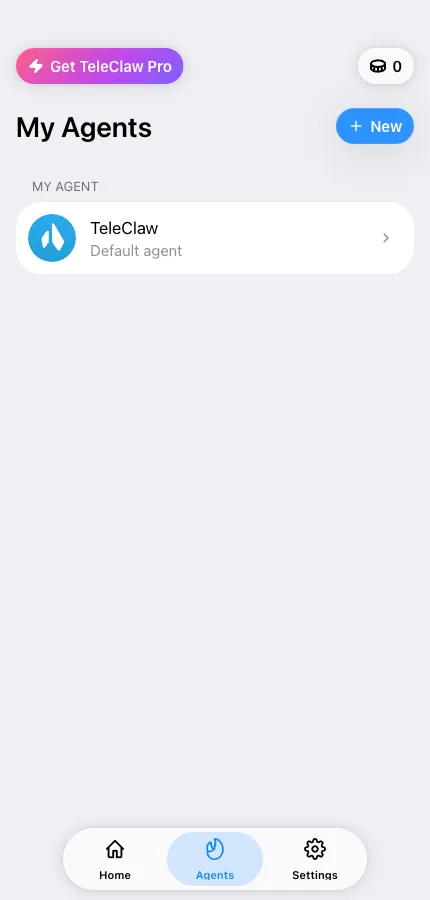
- Go to Agents → Create agent.
- Name it. This becomes the bot’s display name. Tap the dice for a random suggestion.
- Pick a template — Community, Marketing, Dev, Personal Assistant, or Custom for a blank slate. A template only pre-fills the persona; you can rewrite every word later.
- Equip it. Choose the tools it may use: web search, browser automation, terminal, files, code execution, vision, image and video generation, voice messages, memory, tasks and more. All of it is editable afterwards.
- Tap Create agent. TeleClaw registers a real Telegram bot for you and finishes the flow in Telegram.
- Tap Message {name} to open the chat and say hello.
Free plan limit
Section titled “Free plan limit”The Free plan includes one agent. Pro removes the limit — see Free vs Pro.
After it exists
Section titled “After it exists”- Sharpen its personality: Customize agent instructions
- Put it to work with other people: Add your agent to a group
- Decide who may talk to it: Control who can use your agent